How customers pay you
This guide will show you various ways your customers can pay you through the payorCRM product
From their email inbox
Yes ! Your customers can now pay you right from their email inbox using their previously saved cards or bank account numbers
To allow your customers to pay you right from their email inbox ensure that you add payment links to reminder mails as shown below
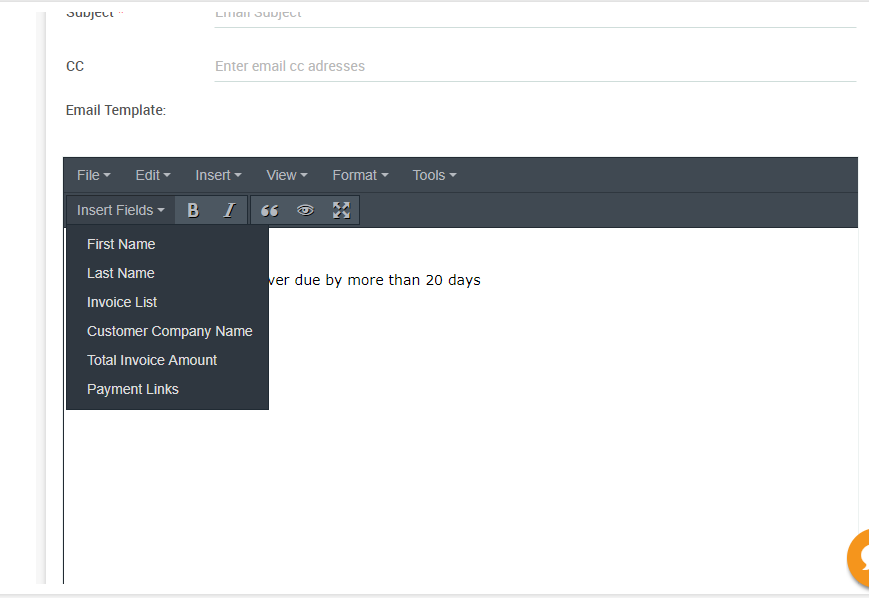
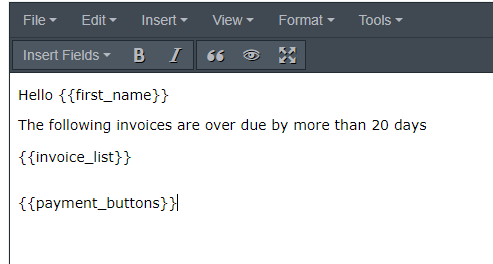
By doing so the payment_buttons tag will be added to the view as shown below
When a customer receives the email with list of overdue invoices, It will look like below
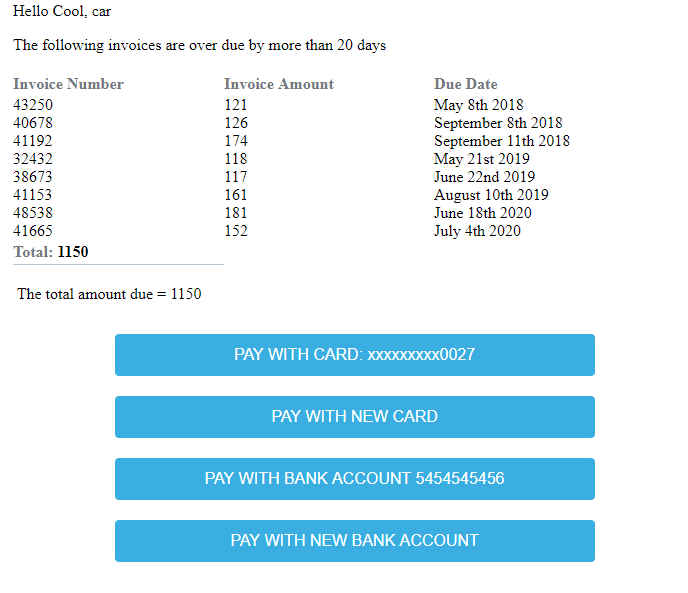
Clicking on the "Pay with saved card button" will trigger a confirmation email to be sent to them as shown below
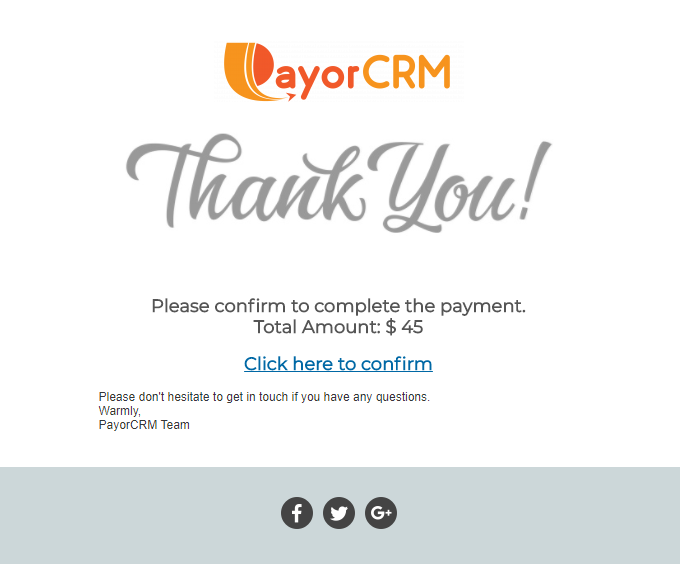
Clicking on the confirmation link will complete the payment and they can do all this right from their inbox for all their overdue invoices together !!
See video below on how your customer will pay from within their email inbox
Through Customer login
All the customers in your customer list will receive an email invitation with the password.
They can use the received credentials to login to their portal and view all their unpaid invoices and payments history.
If a customer has not received the email with credentials ,They can directly reset the password using the "Forgot password" link in the login page
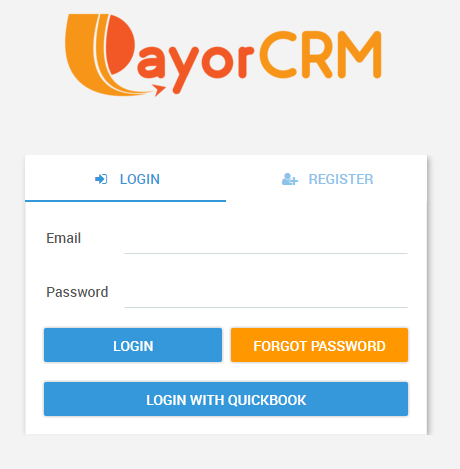
Once the customer logs in they can make payments for invoice raised by you through the following ways
- Pay using credit card
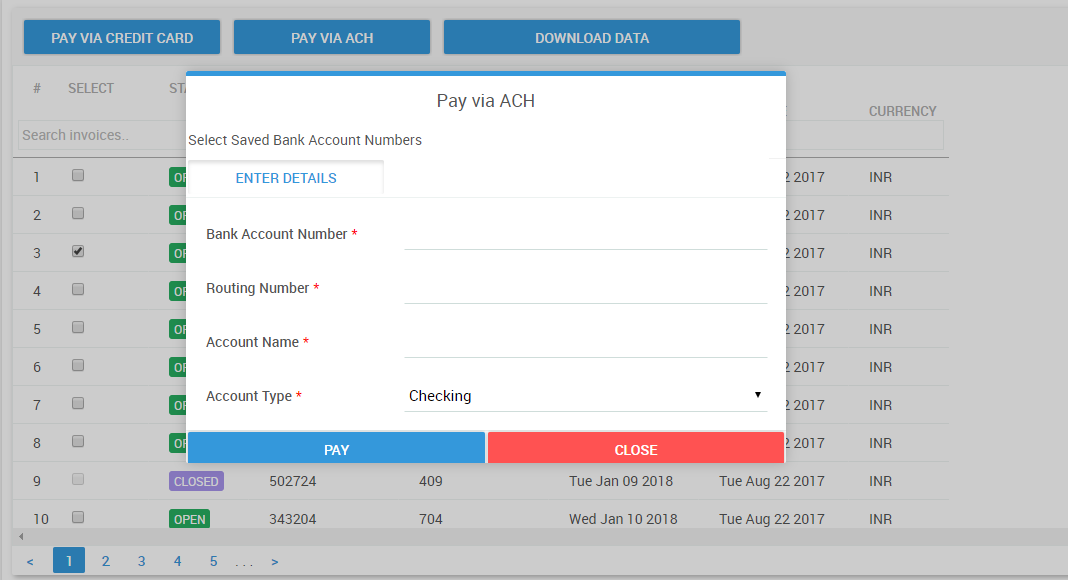
2.Pay using US ACH ( by entering US Bank account and routing numbers)
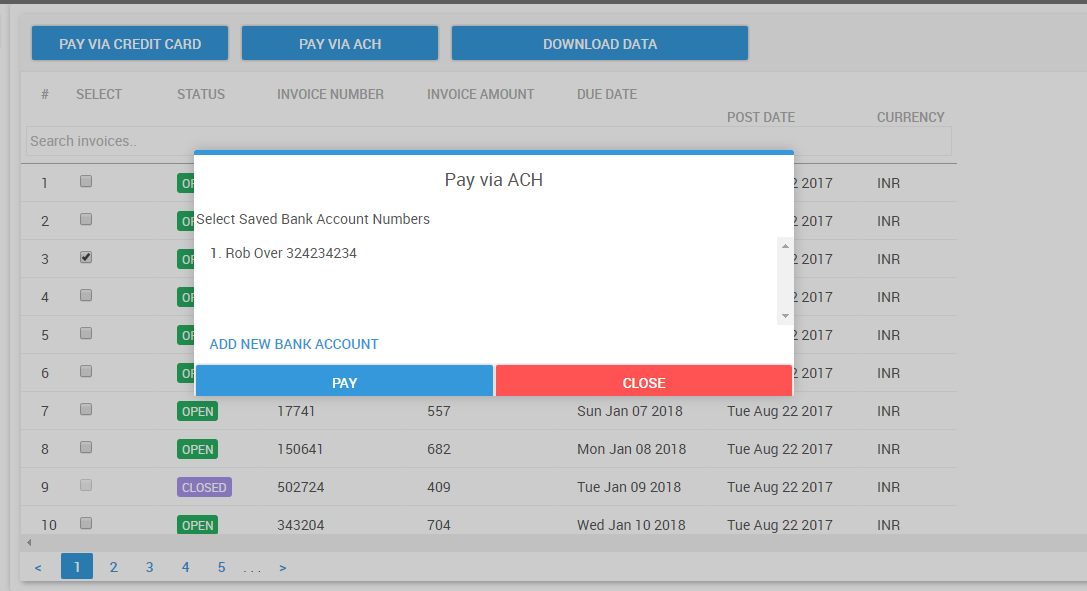
3.Pay using previously saved Bank account number using US ACH payment method
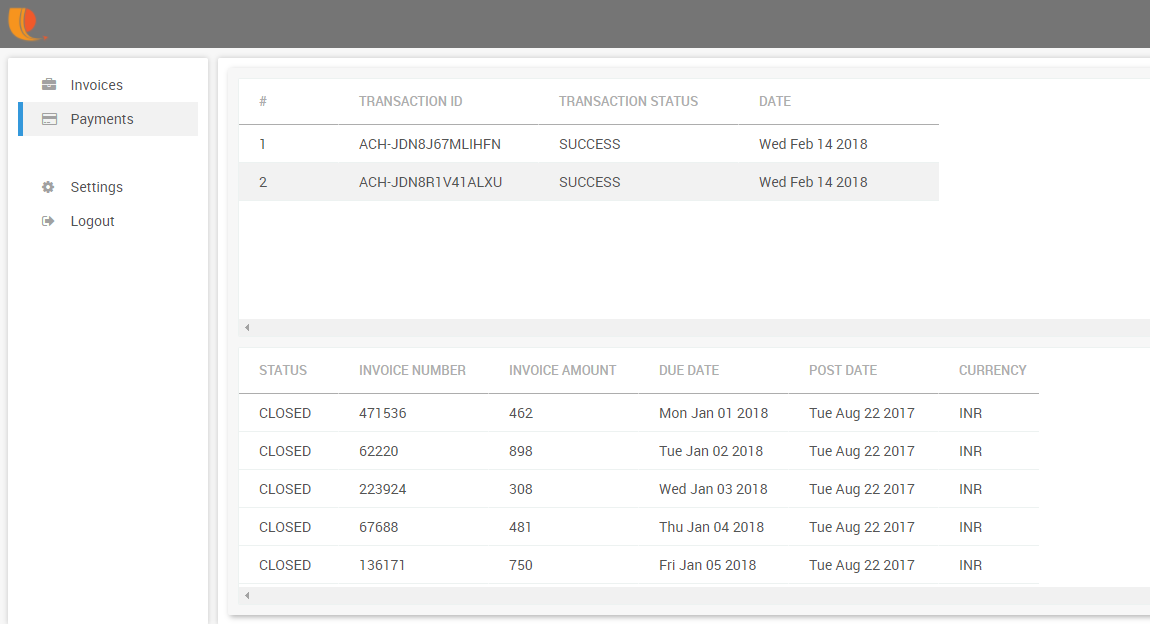
Once payments are made the paid invoices will appear in the payment transactions view for both you and your customers as shown below