Starting up
Visiting the app login page
The app is available for use from all over the world at our domain https://app.payorcrm.com/#!/login
Clicking on the above link will open up the login page as shown below
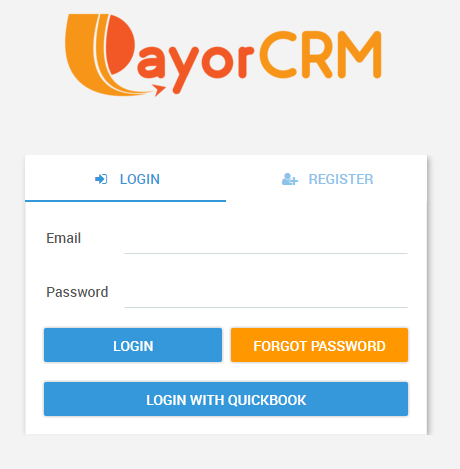
If you are a first time user , you can register on to the app through the following ways
- QuickBooks user : If you already have a QuickBooks account
- Click on "Login with QuickBooks" .This will take you to the QuickBooks login page for authentication.
- Enter your QuickBooks credentials and click submit
- In the next screen you may be asked to provide authorisation to share data with PayorCRM
- Click on "Authorise"
- You will automatically be taken to the PayorCRM dashboard screen
- PayorCRM Registration screen :
- Click on Register
- Enter a username , Email address ,Company Name and Password
- After pressing on "Register" , Click on the "Login tab"
- Enter yor login Credentials
- You will be automatically taken to the PayorCRM dashboard screen